3-D Secure flow
Learn about 3DS flow, SCA requirements, and how to handle 3DS when processing payments.
SumUp supports 3-D Secure payments for added security in online transactions.
EMVCo developed 3D Secure 2, a payment card authentication protocol that meets Strong Customer Authentication (SCA) requirements. It reduces fraud through additional layers such as biometrics.
SCA (Strong Customer Authentication)(Opens in a new tab) is an obligatory security measure, requiring two-factor authentication to verify consumer identity in payment transactions, using at least two independent, consumer-based factors:
- Something the customer knows (e.g. Password, PIN)
- Something the customer has (e.g. Phone, Token generator)
- Something the customer is (e.g. Fingerprint, Face ID)
Each of these elements must be independent, to ensure the security of others is not compromised in the event of a security breach.
How It Works
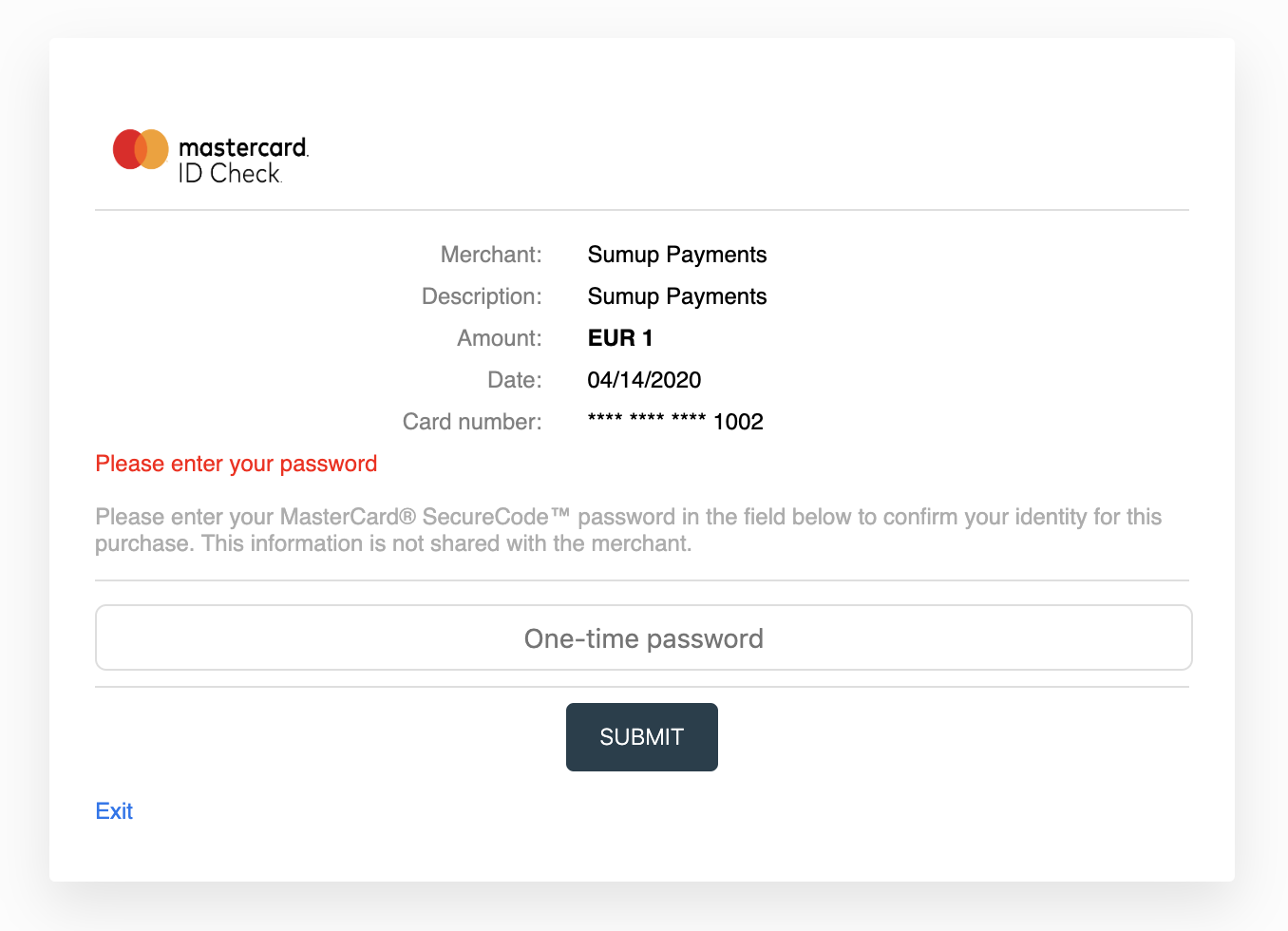
Section titled “How It Works”Both the merchant account and card issuer must support 3-D Secure. The flow adds a checkout step, dependent on the card scheme and issuing bank.
Integration for Single Payments
Section titled “Integration for Single Payments”-
Add the
redirect_urlparameter to your checkout creation request. This URL receives the user after payment completion. -
Process the checkout to get a
next_stepobject with details for the required next action, allowing you to redirect the user to a required challenge screen. -
Use the
next_stepcontent to redirect an end user to a challenge screen. Thenext_stepobject contains:
| Parameter | Value |
|---|---|
method | POST |
url | https://issuing-bank.com/acs?reqid=B69D8F090C031E959A3BB2C4D7DFE7F8F7C09B28 |
redirect_url | https://mysite.com/completed_purchase |
mechanism | iframe or browser |
payload | object |
Example payload:
{ "arbitrary_param_name_1": "arbitrary_param_value_1", "arbitrary_param_name_2": "arbitrary_param_value_2", "arbitrary_param_name_3": "arbitrary_param_value_3", "arbitrary_param_name_4": "arbitrary_param_value_4"}Example redirect via auto-submitting form:
<form name="autoSubmitForm" action="https://issuing-bank.com/acs?reqid=B69D8F090C031E959A3BB2C4D7DFE7F8F7C09B28" method="POST"> <input type="hidden" name="arbitrary_param_name_1" value="arbitrary_param_value_1" /> <input type="hidden" name="arbitrary_param_name_2" value="arbitrary_param_value_2" /> <input type="hidden" name="arbitrary_param_name_3" value="arbitrary_param_value_3" /> <input type="hidden" name="arbitrary_param_name_4" value="arbitrary_param_value_4" /></form><script type="text/javascript"> document.autoSubmitForm.submit();</script>The user reaches the issuer’s authentication screen for additional verification (e.g. a challenge token, SMS, or other data). After submitting, SumUp completes the payment and the user is redirected to the redirect_url appointed at the checkout creation, through a GET request with the corresponding checkout_id query parameter.
To confirm a checkout’s status, make a GET request to the retrieve a checkout endpoint.